Money questions rarely wait for a convenient moment. You might need airtime on your way to work, or want to check what you’ve earned while your data is running low.
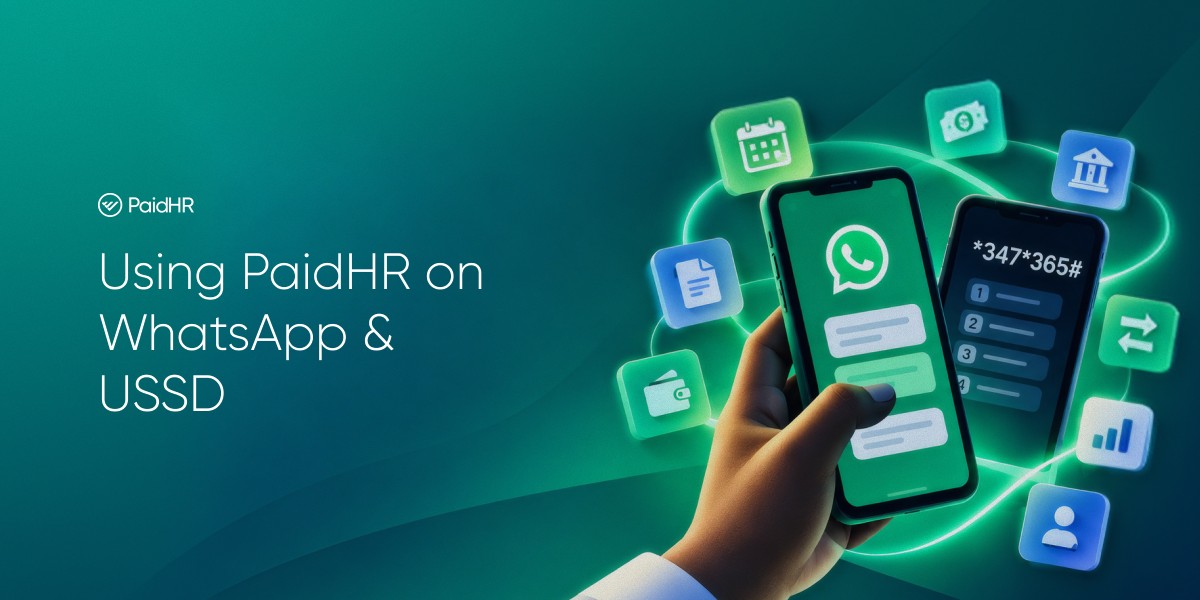
Employees can now access some PaidHR tasks through WhatsApp or USSD.
WhatsApp provides the full PaidHR assistant. You can withdraw earned wages, pay bills, send money, and request leave or payslips where your company has enabled those features.
On USSD, you can withdraw earned wages, pay bills and change your transaction PIN from any phone, with no internet connection needed.
Using PaidHR on WhatsApp
A. Link your account
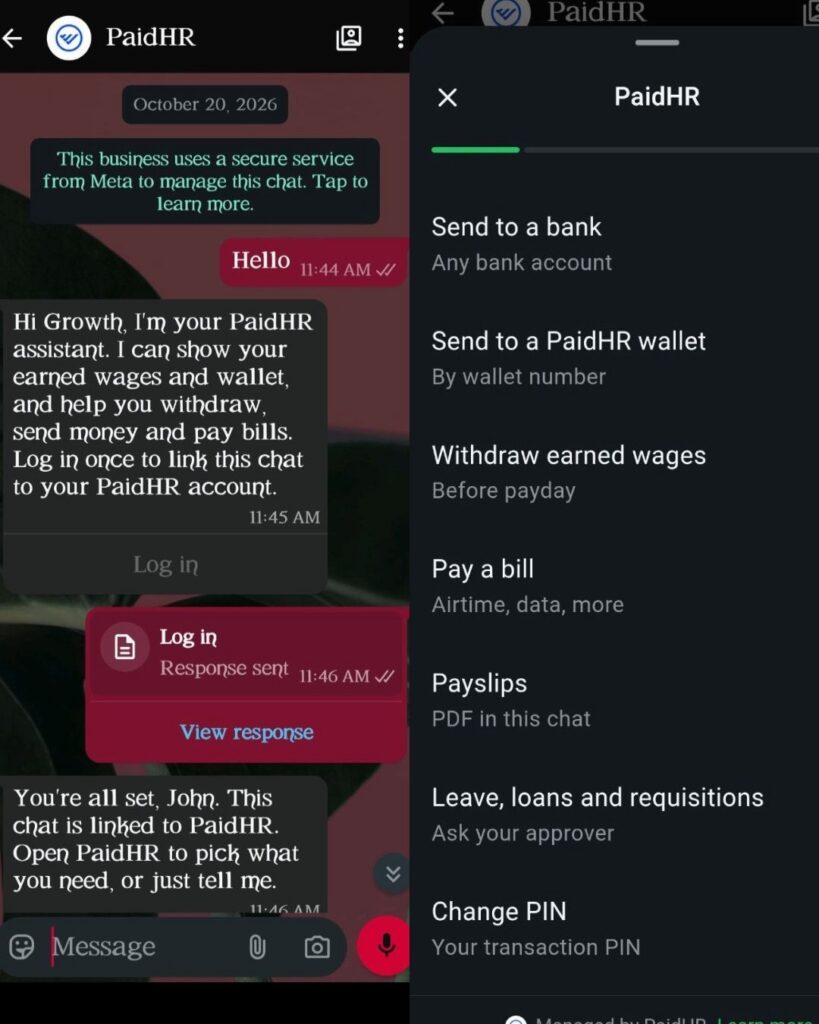
- Start a chat with PaidHR at +234 911 187 4391 or just click here
- Sign in with your work email and password, including your authenticator code if you use 2FA. You can also use the code sent to your email.
- Once your account is linked, use the menu or type what you need in your own words.
For example, you can ask, “How much have I earned?” or “Buy ₦1,000 airtime.”
WhatsApp lets you check and withdraw available earned wages, pay bills, check your wallet balance, view transactions and receipts, send money to a bank account or another PaidHR wallet, and change your transaction PIN.
You can also request payslips, leave, loans and requisitions when your company has enabled those features.
B. Make a withdrawal or payment
- Choose the task and enter the requested details.
- Review the amount, fee and destination shown.
- Confirm the transaction on screen and enter your transaction PIN.
You can follow the payment status in the chat.
Using PaidHR on USSD
Dial *347*365# from the phone number registered with your employer. PaidHR recognises the number, so you do not need to log in. USSD works without an internet connection.
The menu lets you check and withdraw available earned wages, pay for airtime, data, electricity and cable TV, and change your transaction PIN. For a withdrawal or bill payment, you will need a transaction PIN that has already been set up in the PaidHR app.
A. Withdraw earned wages
- Choose Get Paid.
- Enter the amount and select a reason.
- Where your employer allows it, choose your bank account or PaidHR wallet.
- Review the amount, fee and amount you will receive.
- Confirm with your transaction PIN.
B. Pay a bill
- Choose Pay Bills and select the bill type.
- Enter the required details, such as a phone number, meter number or smartcard number.
- Review the details and amount.
- Confirm with your transaction PIN.
For electricity, check the customer name shown before confirming. If the payment succeeds, the meter token appears in the USSD flow.
Note: USSD does not provide wallet balance checks, transfers, transaction history, receipts, payslips, leave or other work requests. Use WhatsApp or the PaidHR app for those tasks.
Keeping payments secure
For every payment, check the details shown before you confirm. A payment is completed only after you confirm on screen and enter your transaction PIN; typing “yes” in chat does not move money. Your PIN is never stored.
If USSD does not recognise your number, ask your employer to check that the phone number on your PaidHR profile is correct.
Get paid on your terms
WhatsApp: +234 911 187 4391 or just click here
USSD: *347*365#