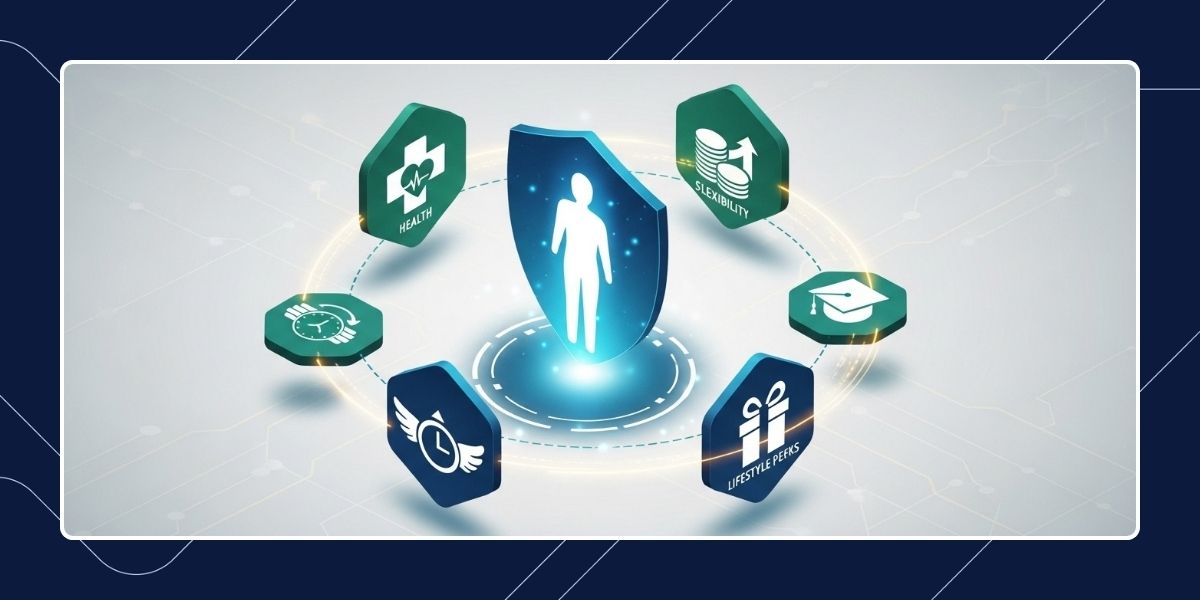

HR automation tools are becoming essential for growing businesses because too much HR work is still manual.
According to research by the McKinsey Global Institute, as much as 56% of typical HR tasks can be automated with current technology. Payroll runs need checking, onboarding gets stuck in back-and-forth emails, leave requests pile up, and employee records end up spread across too many places.
The right tool helps HR teams reduce admin, improve consistency, and keep core workflows moving without needing a much larger team.
This guide evaluates HR automation software through the lens that matters most to buyers: the real-world problems it solves. We will examine how specific tools streamline recruitment, onboarding, payroll, employee records, approvals, and performance management.
What HR Automation Tools Are
HR automation tools are platforms that help businesses automate recurring HR tasks such as hiring workflows, onboarding steps, payroll processing, leave requests, employee record updates, and performance cycles.
Some are all-in-one platforms, while others are better for a specific part of the employee lifecycle.
That is why terms like HR automation software, HR workflow automation tools, and HR process automation tools often overlap.
In practice, what matters is whether the software helps your team remove repetitive work, connect fragmented steps, and run HR processes more reliably as the business grows.
3 Reasons Why Businesses Use HR Automation Tools
Businesses usually adopt HR automation for three reasons.
- Saves Time: It handles boring, repetitive tasks automatically so you don’t have to do them by hand.
- Prevents Mistakes: It stops errors that happen when you have to type the same information into different systems.
- Works Faster: It speeds up things like hiring and approvals, which makes everyone’s life easier.
There is a big difference between just “getting by” and actually growing. Without automation, a company of 50 people can feel as messy as a company of 500.
Automation helps you add more staff without adding more paperwork and stress.
Best 8 HR Automation Tools
Not all HR tools are built for the same problems. Some focus on the paperwork, while others focus on the people. The best way to choose is to look at the specific workflow you need to fix.
1. PaidHR
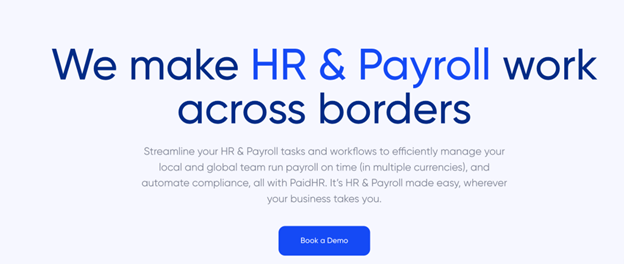
PaidHR is built for growing teams and enterprise organisations that need more than just a digital filing cabinet.
It is a heavy-duty platform that automates the entire employee lifecycle from PaidHiring (ATS) and self-guided onboarding to complex payroll.
- Why it stands out: Unlike its competitors, PaidHR integrates financial wellness directly into the HR workflow. It offers built-in Earned Wage Access (EWA) and a loan marketplace, allowing employees to access their pay early at no cost to the company.
- The Bottom Line: Use PaidHR if you want to automate payroll, tax/pension remittances, and performance reviews in a single system that actually helps retain talent through financial benefits.
Best for: End-to-end people operations and financial wellness
2. Rippling
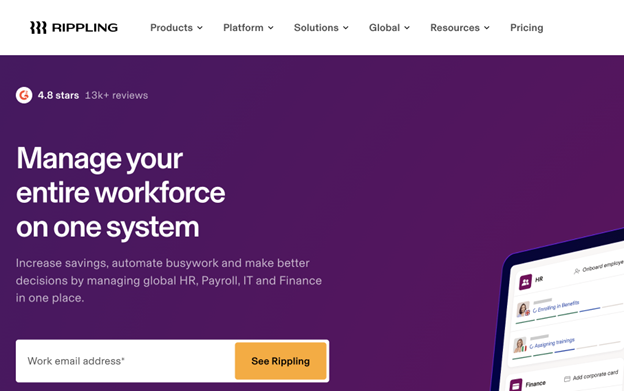
Rippling is the gold standard for companies that want to automate “the whole office.” When you hire someone in Rippling, it can automatically ship them a laptop and create their Slack and Gmail accounts.
Best for: Businesses with complex technical setups that need HR, Finance and IT to move in sync.
3. BambooHR
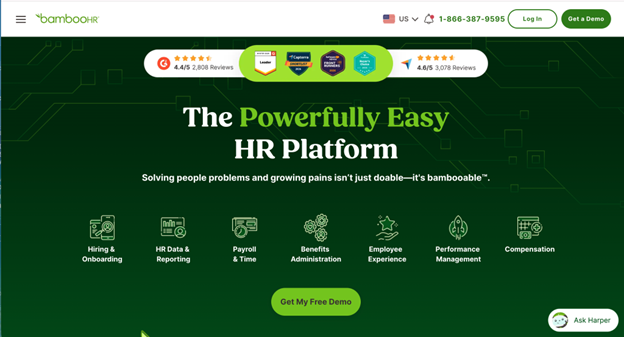
BambooHR is a culture-first platform. It is excellent at centralising employee data, managing time-off, and running employee satisfaction (eNPS) surveys.
Best for: Small to mid-sized businesses that want a clean, easy-to-use interface for basic HR management and company culture.
4. Deel
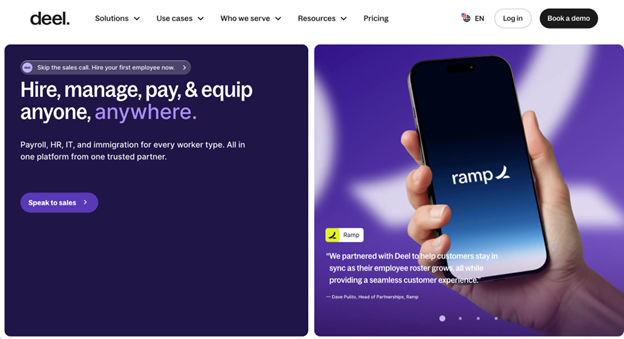
If your team is spread across 50 countries, Deel is the best choice. It handles the legal heavy lifting of hiring international contractors and full-time employees without you having to set up local entities everywhere.
Best for: Remote-first companies hiring talent worldwide.
5. Gusto
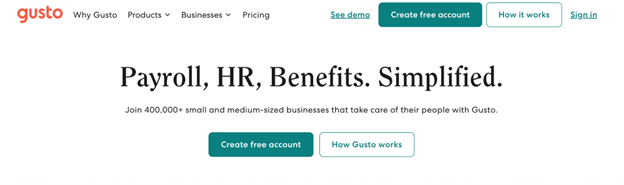
Gusto remains the most user-friendly option for small, domestic teams that need to get payroll right. It’s famous for its one-click payroll and automated tax filing.
Best for: Small businesses (1–50 employees) that prioritise simple, error-free payroll above all else.
6. Leapsome
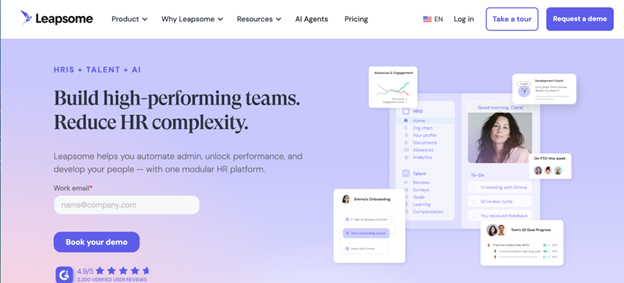
If you already have a payroll tool but your reviews are a mess, Leapsome is the answer. It’s a specialised layer for OKRs, 360-degree feedback, and AI-powered learning paths.
Best for: Companies focused on high-growth performance and continuous employee development.
7. HiBob
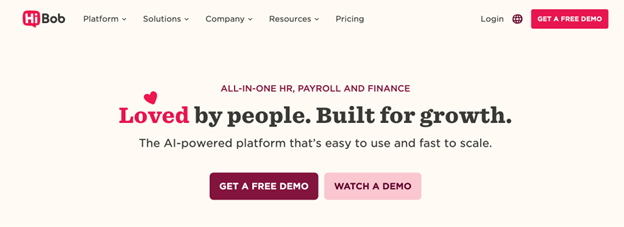
HiBob is designed for “modern” companies that want a social-media-style feel to their HRIS. It excels at shouting out milestones and creating structured onboarding task lists that feel welcoming rather than clinical.
Best for modern people operations
8. Zapier
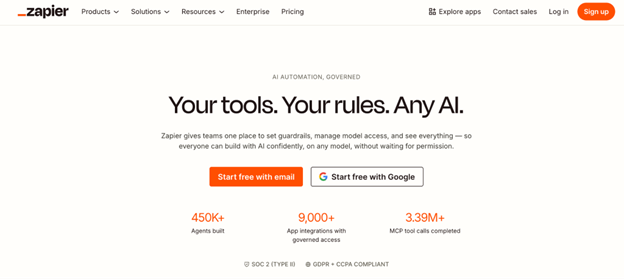
Zapier is different from the other tools on this list because it is not a traditional HR platform. It works best as an orchestration layer for teams already using multiple HR systems.
If you love your current ATS but hate that it doesn’t talk to your payroll, Zapier can bridge the gap without any coding.
Best for: Tech-forward teams that want to build a custom HR stack rather than buying an all-in-one platform.
4 Key HR Workflows You Can (and Should) Automate
HR automation isn’t about replacing the “human” element; it’s about removing the repetitive, manual hurdles that keep HR teams from doing meaningful work.
Here are the core areas where automation makes the biggest impact.
1. Hiring and Onboarding
The transition from candidate to colleague is often buried in paperwork. Automation transforms this by creating a digital bridge between recruitment and the first day on the job.
- The manual way: Sending dozens of emails, manually tracking CVs, and chasing new hires for signed documents.
- The automated way: Candidates move through stages automatically, while onboarding tasks like document collection and device setup are triggered the moment an offer is accepted. This ensures every new hire has a consistent, professional day-one experience.
2. Payroll and Compliance
Payroll is the most high-stakes task in HR. When done manually, it is prone to human error and compliance risks. Automation turns payroll into a check-and-click process rather than a week-long spreadsheet marathon.
- The value: Instead of manual calculations, the system automatically syncs hours, leaves, and taxes. For teams scaling across different regions, automation handles the complex math of statutory remittances (like pensions and local taxes), ensuring you stay compliant without having to be a legal expert.
3. Centralised records and Self-service
As a company grows, “Where is that document?” becomes a frequent and frustrating question. Automation creates a single, secure source of truth for all employee data.
- The shift: By using self-service portals, employees can update their own personal info or request leave without sending a single email. This reduces the admin noise for HR teams and gives employees more control over their own records.
4. Performance management
Traditional performance reviews are often dreaded because they feel disconnected and clunky. Automation turns performance from a once-a-year event into a continuous cycle of growth.
- The result: Tools can automate check-in reminders, track progress against measurable goals (OKRs), and store feedback in one place. This allows managers to focus on coaching and development rather than chasing people to fill out review forms.
How to Choose the Right HR Automation Tool
The most effective way to select a tool is to start with your bottlenecks, not a brand name. Before evaluating software, identify which specific workflow is causing the most friction in your daily operations.
1. Identify your primary pain point
Different tools prioritise different anchor features. Match your biggest challenge to the right software strength:
- If payroll is the issue: Prioritise tools with deep compliance logic, automated tax/pension remittances, and local currency support.
- If onboarding is messy: Look for strong task routing, automated document signing, and pre-boarding portals that engage new hires before day one.
- If data is scattered: Focus on a centralised source of truth where employee records, leave requests, and performance data live in one single dashboard.
- If growth is the goal: Look for scalability. Ensure the tool can handle a move from 10 to 100+ employees without requiring a total system overhaul.
2. Platform vs. Multi-tool setup
You generally have two strategic paths when building your HR tech environment:
- The All-in-One platform: Best for teams that want simplicity. You get one login, one invoice, and data that flows easily between hiring, payroll, and performance. This lowers the degree of complexity associated with handling several subscriptions.
- The connected stack: Best for teams that love their existing specialised tools (e.g., a specific ATS or accounting software) but need them to “talk” to each other. This requires tools with strong API integrations or automation bridges to sync data.
3. The Friction test
For a growing business, the best tool is the one that removes the most recurring work with the least amount of setup. Ask these three questions during a demo:
- Does it handle local compliance? (Taxes, pensions, and labour laws).
- Is it self-service? (Can employees solve their own problems without emailing HR?).
- How fast is the time-to-value? (Can you get it running in days, or does it take months?)
Frequently Asked Questions about HR Automation Tools
What are HR automation tools?
Think of them as a digital engine for your people operations. While traditional tools just store data, automation tools handle the action.
They take over recurring tasks like tracking applicants, running payroll, and managing leave requests without requiring constant manual input.
What is the difference between HR software and HR automation software?
The difference is active versus passive. Think of HR software like a digital filing cabinet. You still have to put the files in and move them around yourself, but with HR Automation, you have a digital assistant.
It knows when a new hire is added, automatically sends them their contract, sets up their payroll profile, and notifies IT to prepare their laptop, all without you lifting a finger.
What HR processes can be automated?
The best rule of thumb is to prioritise automating the tasks that are both high-stakes and high volume. You should start with payroll and compliance, as these are the areas where human error in tax or pension calculations can cause the most significant legal and financial headaches.
Once that foundation is secure, focus on onboarding to ensure that every new hire enjoys a professional, consistent transition into the team without a mountain of manual paperwork.
Finally, moving request management into an automated system puts an end to the email chase for leave and expense approvals, giving both managers and employees a clear, stress-free way to handle routine updates.
Are HR automation tools worth it for growing companies?
Absolutely. In fact, it is easier to automate at 15 employees than at 150. Implementing automation early creates a growth-ready foundation.
It prevents the administrative debt that usually happens when a company scales, and they end up hiring people just to manage the paperwork of other people.
Conclusion
The goal of HR automation is to make the heavy lifting of people operations feel light.
Whether your biggest hurdle is manual payroll, messy onboarding, or scattered employee records, the right tool should act as a force multiplier for your team. It should allow you to scale your headcount without scaling your administrative stress.
For growing businesses that need a unified approach, PaidHR provides that bridge.
By consolidating payroll, hiring, and day-to-day administration into a single, automated workflow, PaidHR ensures that as your company grows, your processes remain consistent, compliant, and most importantly, human.